Phone, tablet, or computer
Viewers open the local address. There is no separate control app to install.
Current feature record
Review live viewing, recording, clip requests, production outputs, Flight Log, networking, and field operation. Each section states what works and what remains to be checked.
Cosmik’s own USB capture receives the DJI Goggles 3 picture on a Raspberry Pi 4. The ordinary live path passes the H.264 stream through without a video transcode, then serves it to browsers on the local network.
Viewers open the local address. There is no separate control app to install.
The visitor screen does not expose the password-protected owner console.
The Streamer provides its own field network. Internet is only required for an internet destination.
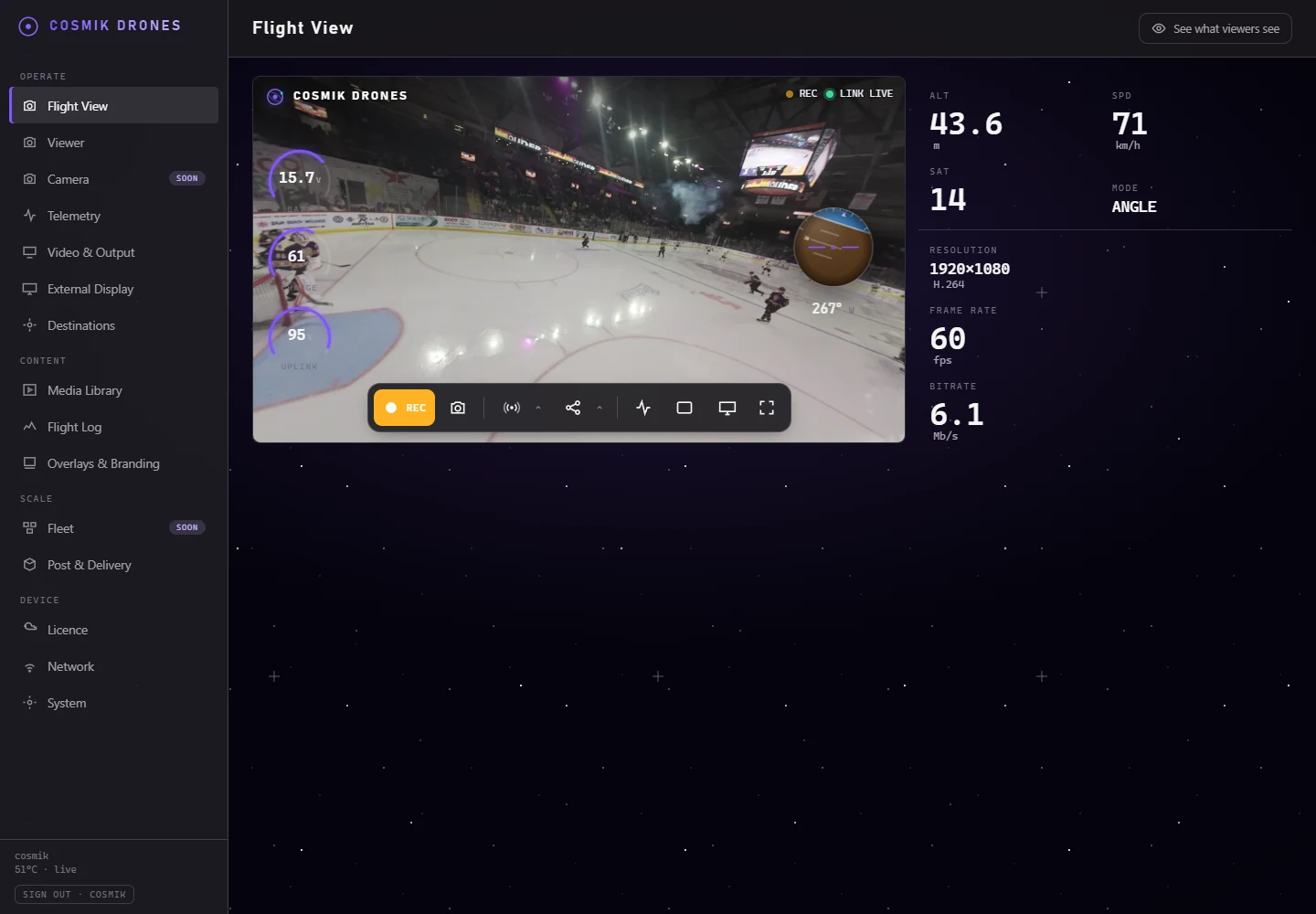
The Flight View keeps the picture dominant while exposing the live controls around it.
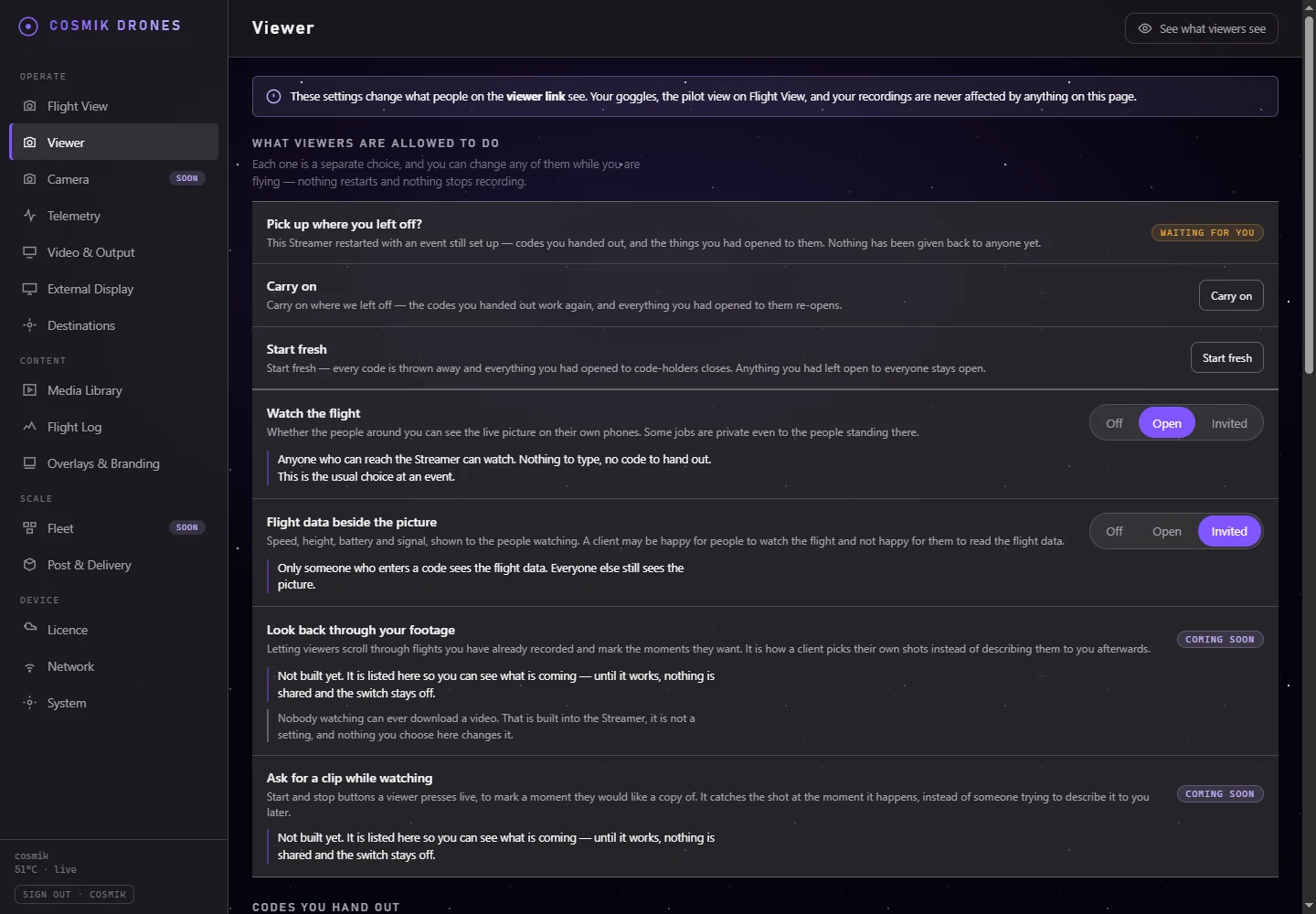
Live viewing and flight data are separate permissions. Leave either one closed, open it to everyone on the local network, or require a code handed to a specific client or crew group. Changing access does not restart the feed or recording.
Four things are handed out separately — watching the picture, seeing flight data, reviewing past flights, and letting a viewer request a clip. Each is set on its own, and each can be changed while you are flying.
Name a code for the client or crew, copy it once, then take the whole code away when the job ends.
The Streamer records only a local guest-device identity—no guest email, phone number, or profile.
After a restart the owner decides whether earlier codes and invited access reopen.
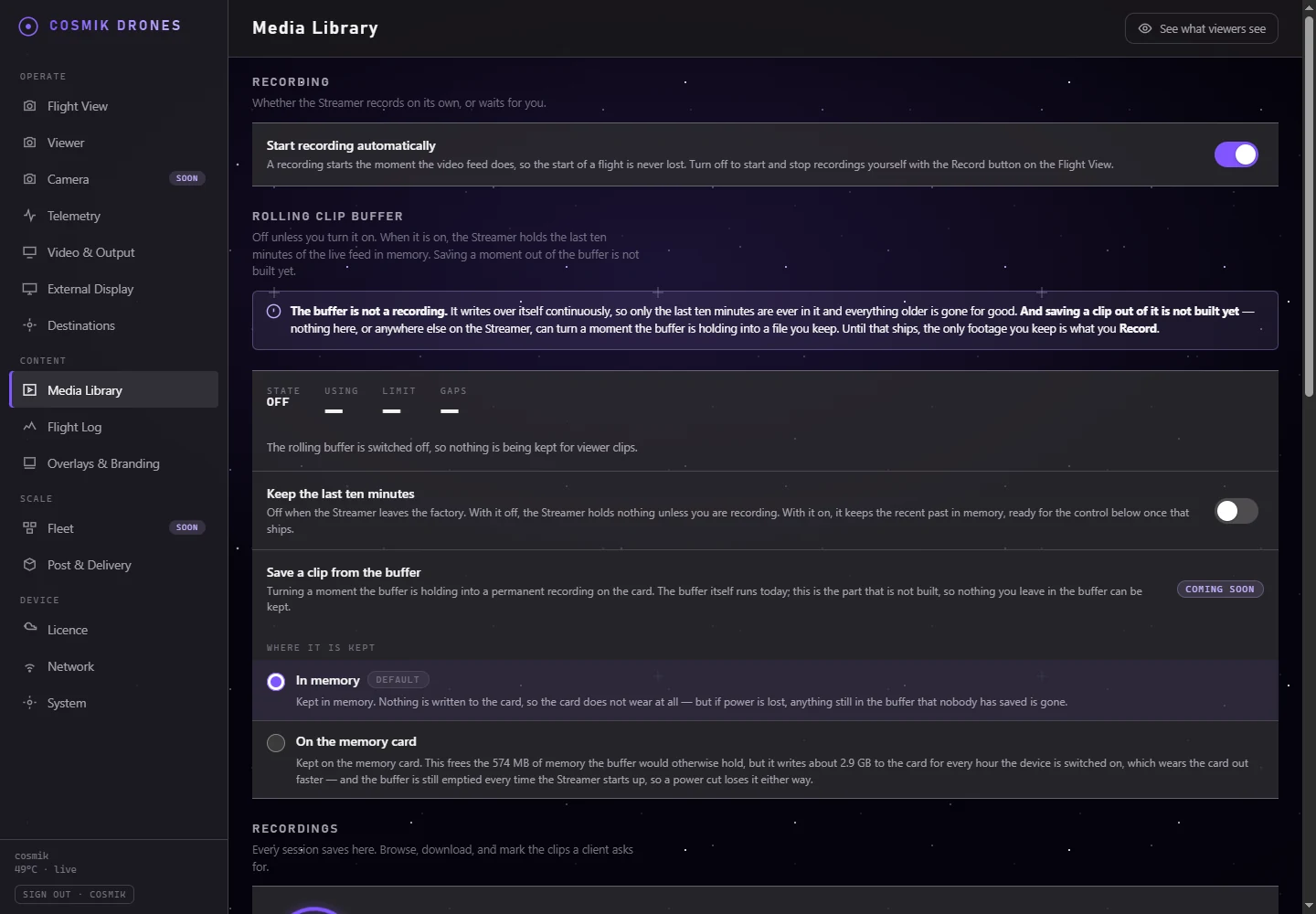
Recording is managed independently from the live output, so starting or stopping a file does not restart the picture. Auto-record can follow the feed, or the owner can control it manually from Flight View.
Each completed session shows a thumbnail, local date and time, file size, and playback control.
Every recording has a direct download action for off-device storage or editing.
The device does not discard footage by age or count. Deletion is per file and confirmed.
Completed crash-safe fragmented MP4 files are finalized in the background for fast start and seeking.
The writer and controls are built. Saving a permanent clip from that buffer is the remaining part and is still marked Coming soon.
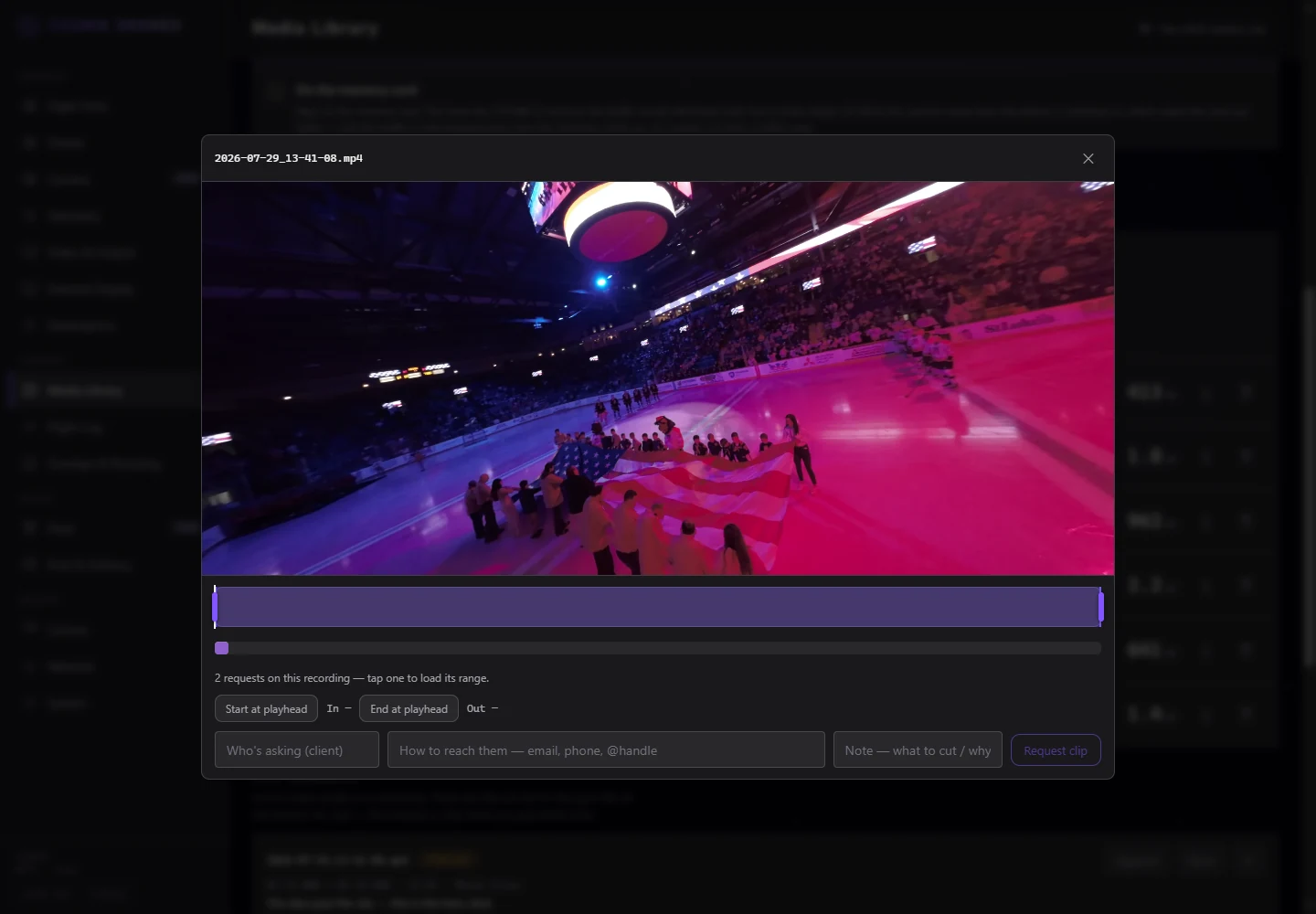
Open a recording, move the In and Out marks around the exact section, identify the requester, and explain the cut. The queue remains attached to the recording rather than living in texts or notes somebody has to interpret later.
The selected band, playhead, start, end, and duration remain visible together.
Record who wants the shot and what the editor is meant to take from it.
See earlier requests in their own lane and select one to load its range without confusing it with a new selection.
Move a request through a simple production state without deleting its context.
Export the active requests. Once the card has been read, each row also names the aircraft's own file and the in and out points on it.
The ranges, the shot list, and the instructions travel together — written onto the card by a single button, so there is no folder to find and nothing to copy by hand.
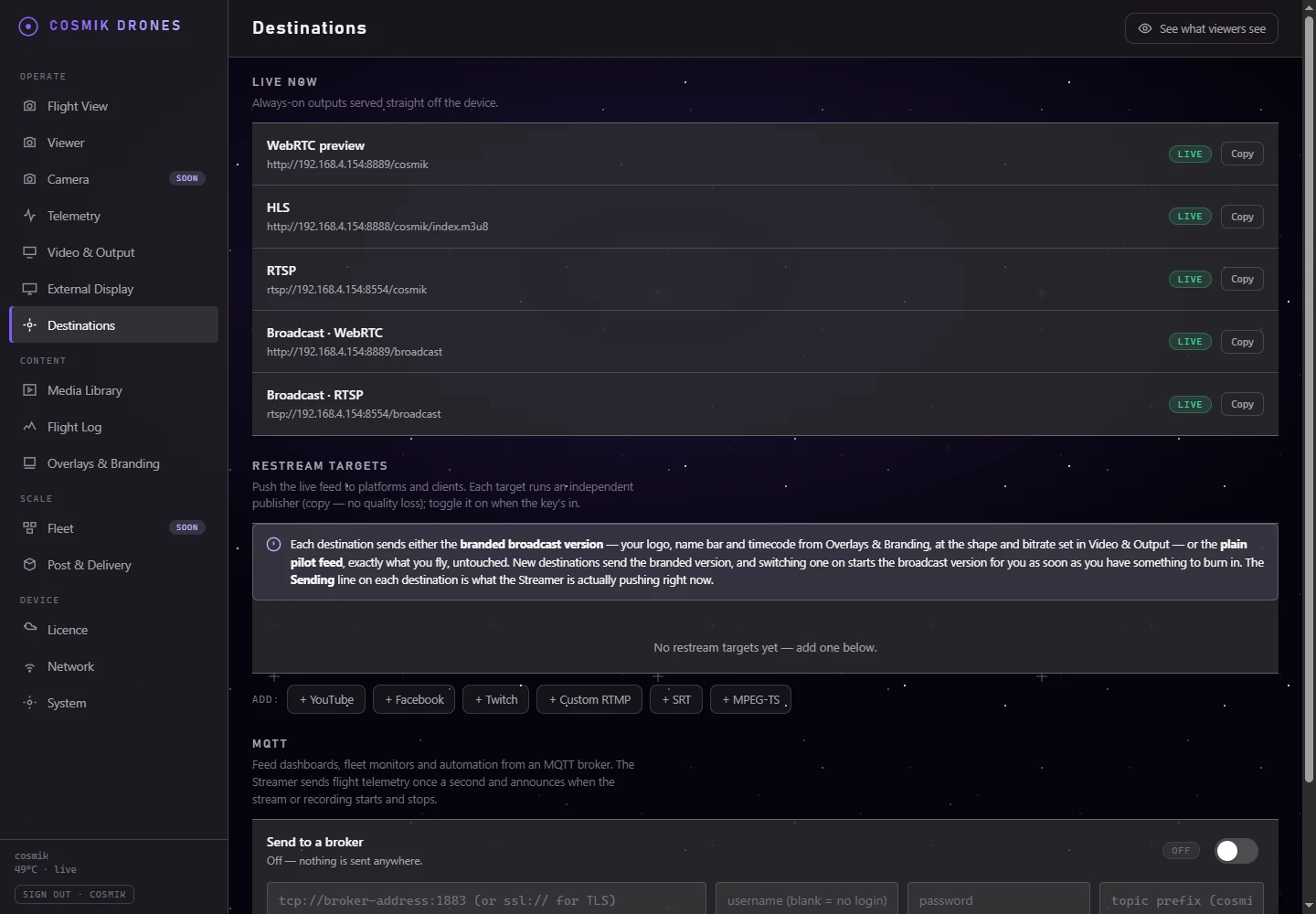
WebRTC, HLS, and RTSP are available from the device. The owner can also create independent RTMP or RTMPS, SRT, and MPEG-TS targets for a platform, production truck, decoder, or another server.
The Destinations page shows copyable live addresses for the clean and broadcast outputs.
Presets seed the correct destination type while the stream key remains owner-supplied.
Add a custom transport address rather than being limited to consumer-platform presets.
A target can reconnect without stopping local viewing, recording, or a different target.
The newer per-destination source choice is implemented and host-tested. Its end-to-end branded destination remains in Validation.
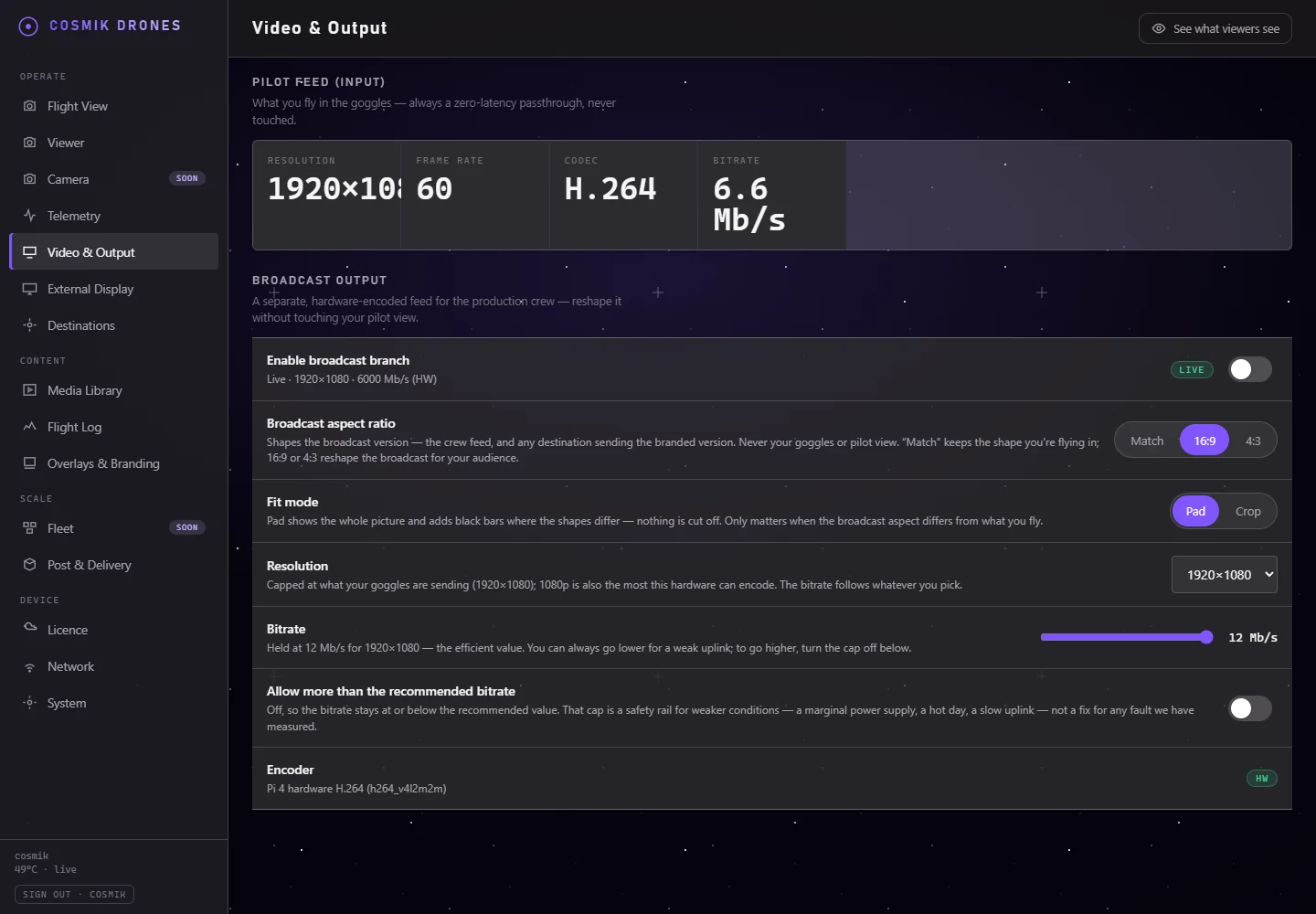
An optional Raspberry Pi hardware-encoded branch can frame the incoming picture for production and burn in a logo, lower-third, or timecode. The ordinary live view and goggles feed remain clean.
Choose whether to preserve every edge, fill the frame, or crop deliberately.
Bitrate remains adjustable, with defaults tied to the selected output size.
Choose corner, opacity, size, display name, and pilot identifier.
The Branding page displays the actual output rather than asking the owner to trust saved settings.
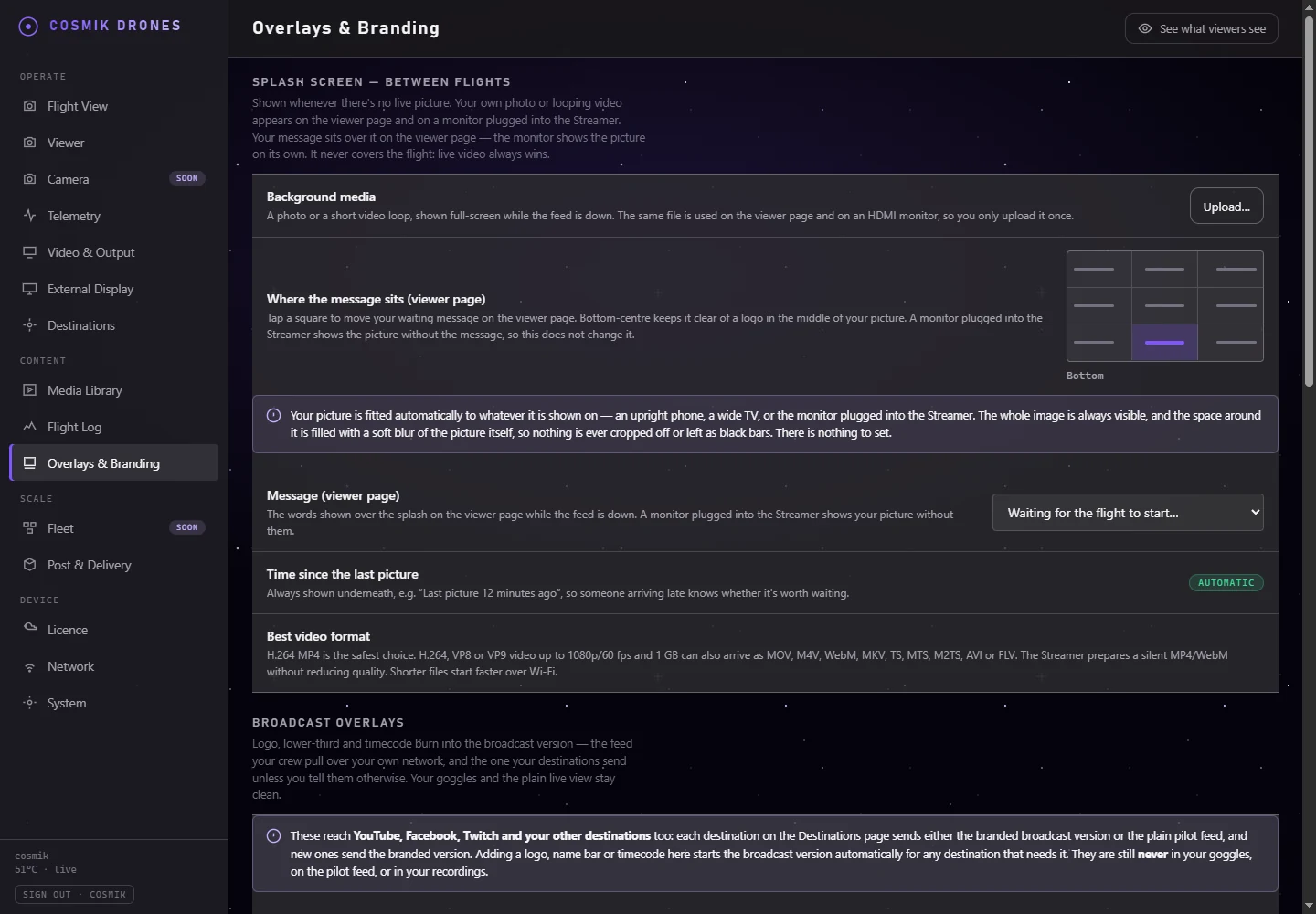
When there is no live picture, the guest page can show an owner-supplied image or short looping video, a chosen message, its position, and how long it has been since the last picture. The same uploaded photo or video is used on the HDMI monitor, and looping video playback there has been physically verified. Live video always takes priority.
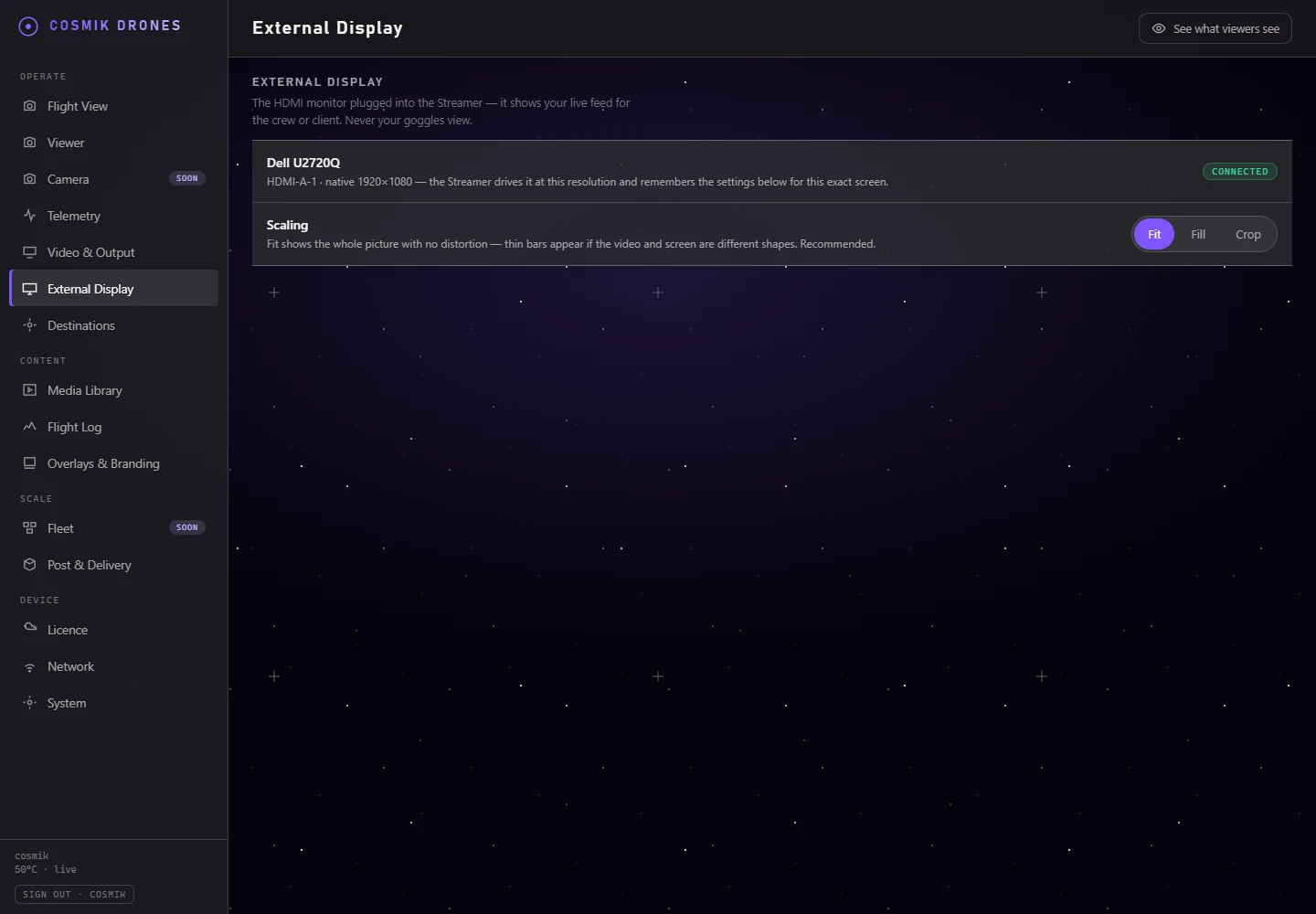
Cosmik identifies a connected display from its hardware data, reports the native resolution, and stores a Fit, Fill, or Crop preference for that exact monitor. Between feeds, the display shows the uploaded standby photo or looping video rather than a Linux login. The HDMI video-splash path has been verified on the physical monitor.
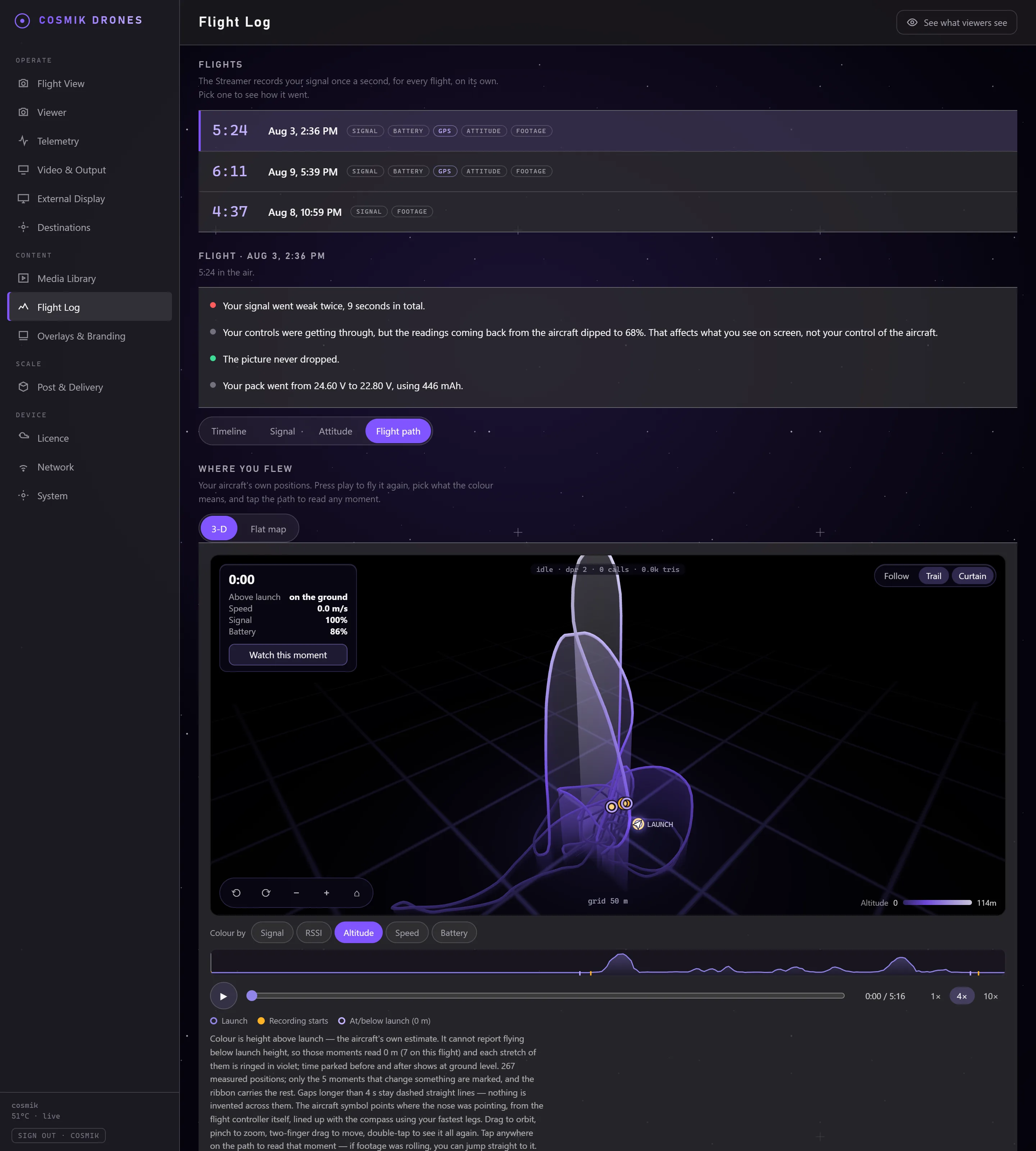
The Streamer writes down every flight on its own, once a second, without being asked. Afterwards there are four ways to read it: the route flown back in three dimensions, one shared timeline, the link in detail, and what the aircraft itself was doing. GPS is optional — the time-based review works on an aircraft that has none, which is most freestyle quads and all indoor flying.
Orbit and zoom the line you actually flew, coloured by height, signal, speed, or battery. Scrub it, and open the footage from any point on it.
Link quality, picture state, battery telemetry, and notable moments stay aligned.
When a recording exists, open it at the flagged point instead of searching the whole flight.
Review controls reaching the aircraft separately from the readings coming back, including changing transmitter power.
Recorded from the flight controller itself. Flights before 31 July 2026 predate this and say so rather than drawing a flat line.
Flight history and location stay behind the owner sign-in rather than appearing in the guest viewer.
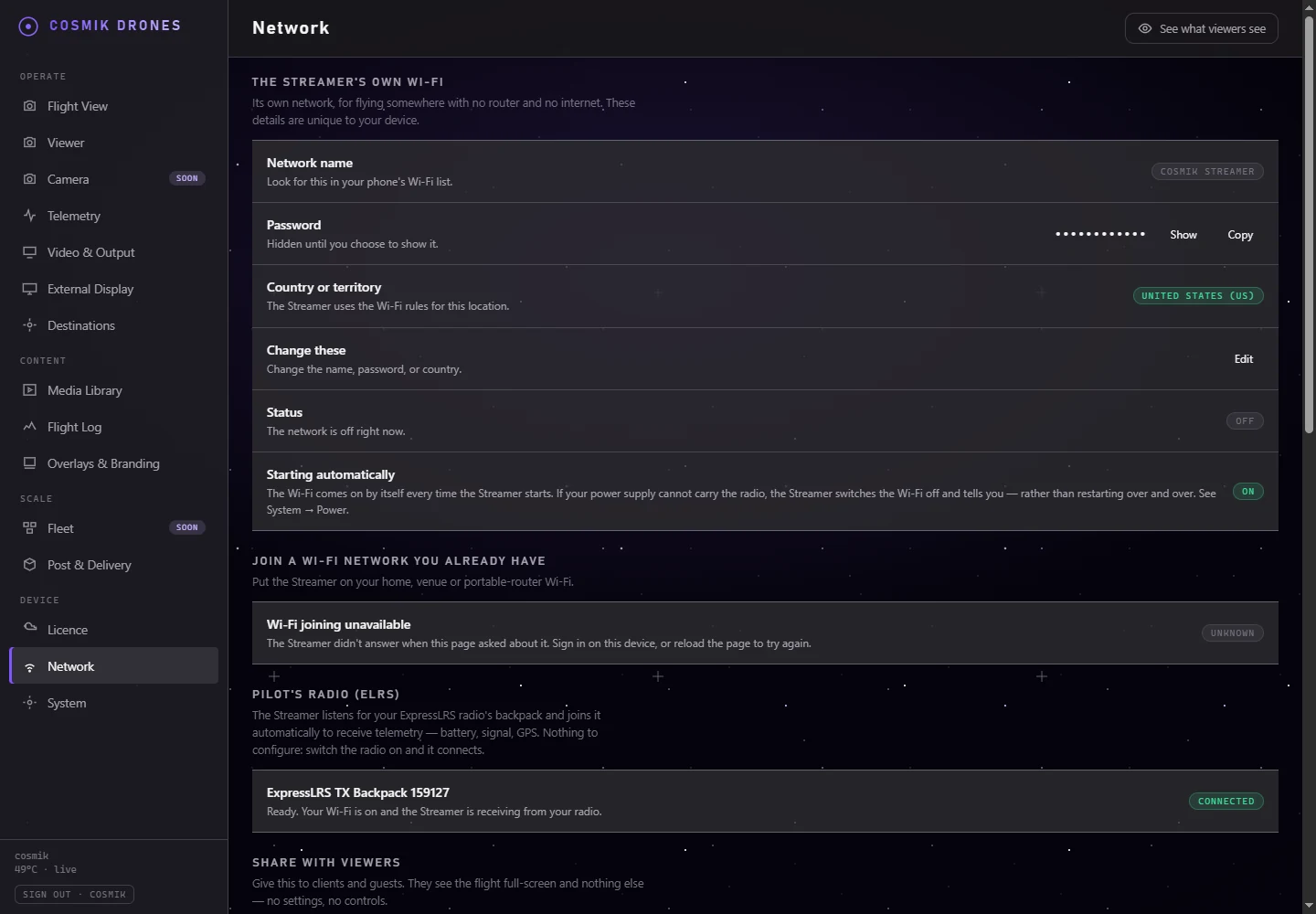
The Streamer keeps its own field Wi-Fi and can also join a compatible 2.4 GHz home, venue, or portable-router network. The Console scans, joins, leaves, and shows every address where the device can be reached.
Viewer access does not depend on the venue router or an internet connection.
Use a venue or home network for console access, clock sync, updates, or internet destinations.
If the shared radio must change channel, the product waits and explains why instead of dropping people.
The Pi has one Wi-Fi radio. While it is joined to another network, it cannot listen to the ELRS backpack.
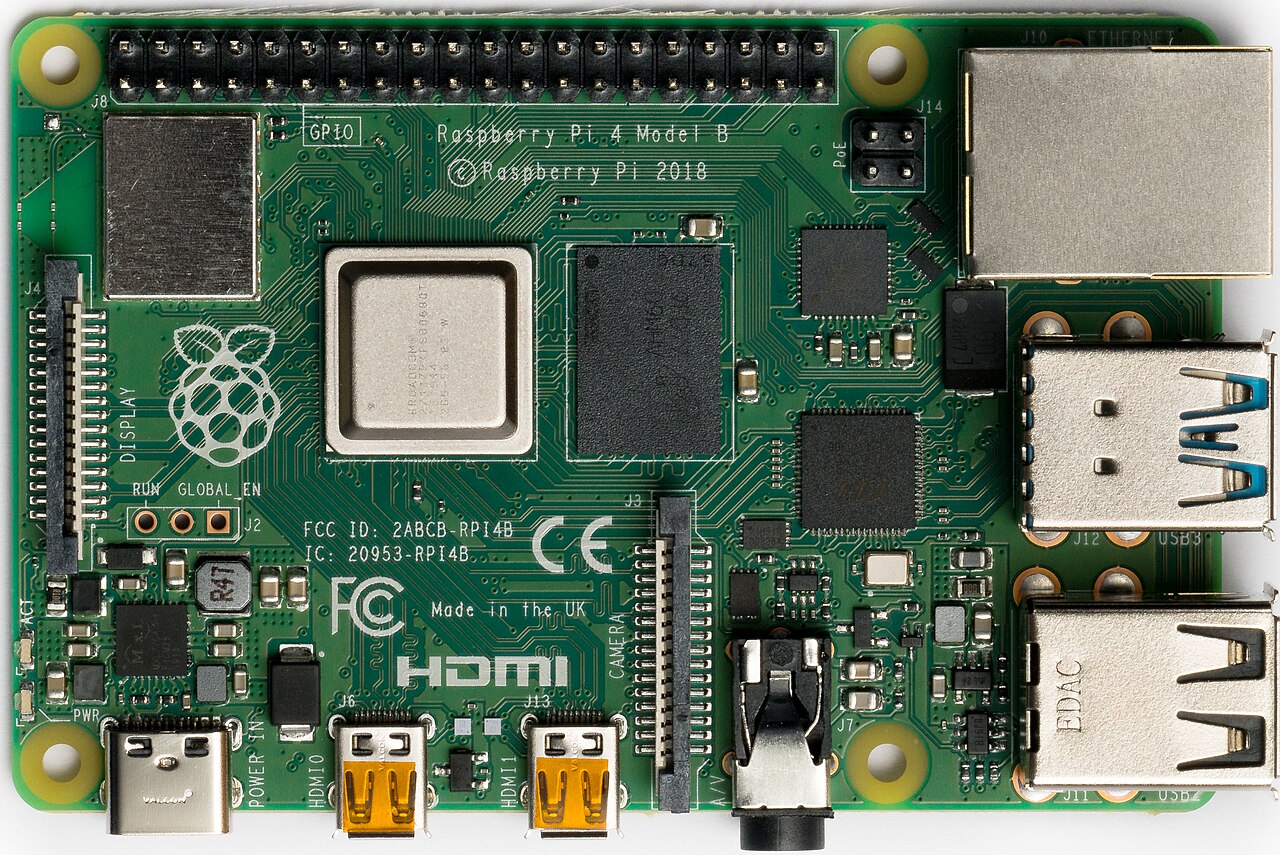
The appliance UI, owner account, licence check, video paths, recordings, and configuration live on the Raspberry Pi. The customer creates the owner account; there is no shipped admin login.
The setup route works once. Passwords are stored with Argon2id.
The owner can control live viewing and flight data separately, issue a code, revoke it, or remove a guest device.
The setup wizard requires a network name, password, and the country where the radio will be used.
A valid key starts video immediately and remains tied to the compatible Raspberry Pi board.
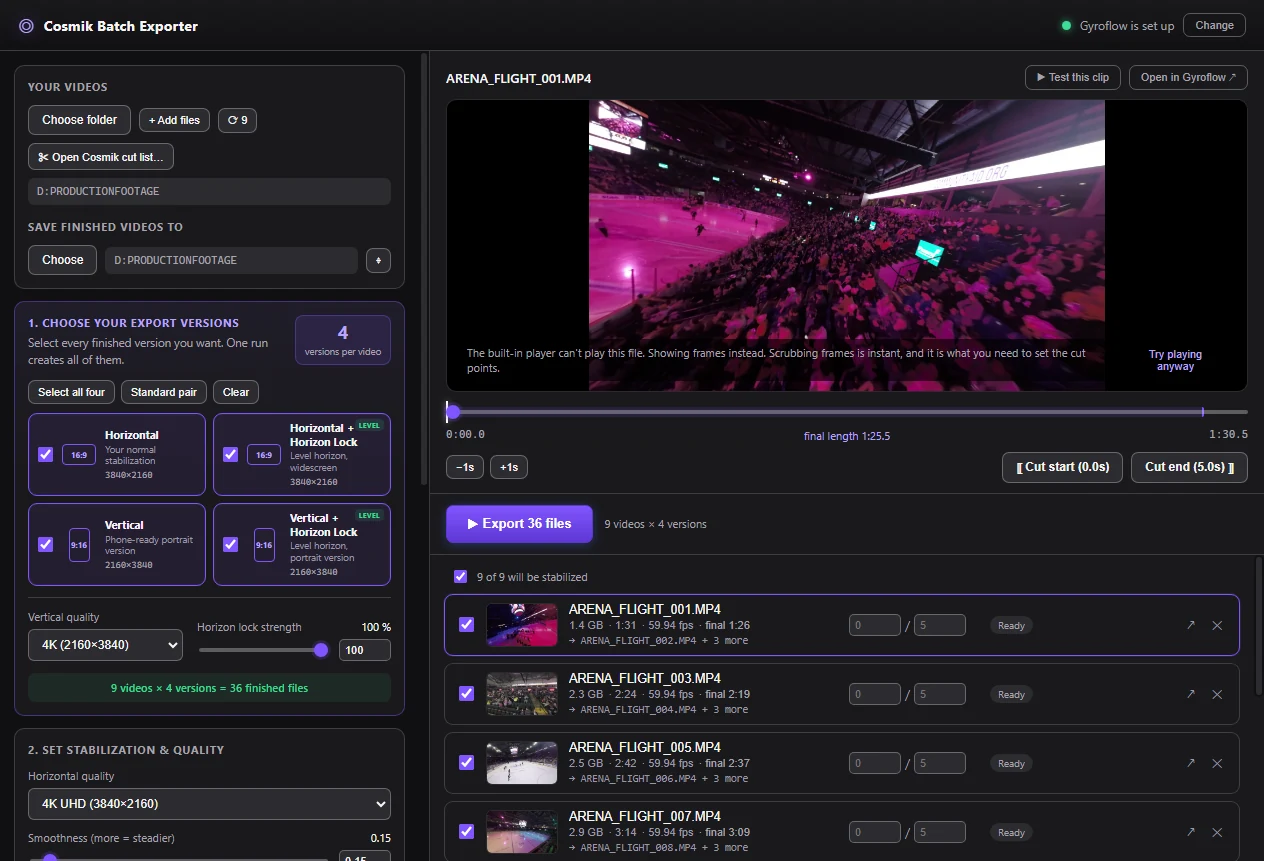
Cosmik Batch Exporter is a separate desktop utility. It can load ordinary folders or import the shot list bundle produced by Streamer, then run the selected jobs through an installed copy of Gyroflow.
The Exporter is free and MIT-licensed. A Cosmik Streamer licence is not required.
Choose horizontal, horizontal locked, vertical, and vertical locked outputs independently.
The current integration is a downloaded ZIP, not a live network connection.
The source remains unchanged before Gyroflow reads its video and motion data.
Documentation
The searchable guide covers hardware, setup, live view, clips, Batch Exporter, Flight Log, outputs, OBS, networking, power, and troubleshooting.
